Product Update
04/03/2026
•
5 Min. Read
🌷Release highlights in March:
A lot has happened at Elephant this month - more choice of voices for narration, translation of audio tracks into all languages and export of courses to PPT and PDF formats.
This means you can adapt content faster, roll it out internationally and use it more easily.
🌍 🎧 Improved narration: more variety in your voice output
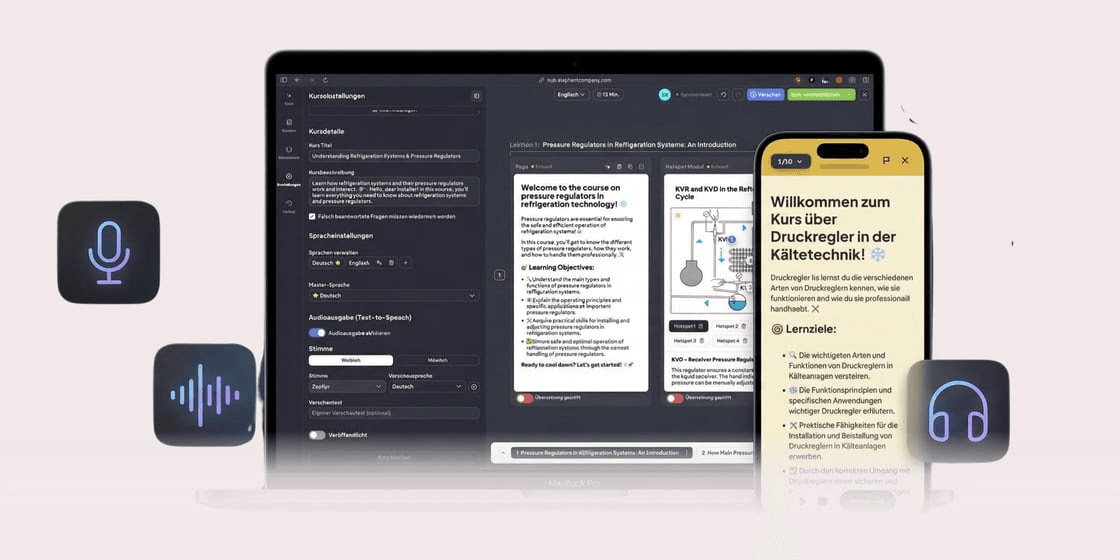
The audio output of your courses can now be customized. In the course settings you can now:
Activate or deactivate the audio output per course
(Note: Audio output is no longer activated automatically)Choose between female and male voices
Pre-listen to and select different voices
The narration is automatically generated in the background after publication - learners hear it immediately. In the preview, you can generate the voice for each page on-demand and listen to it directly.
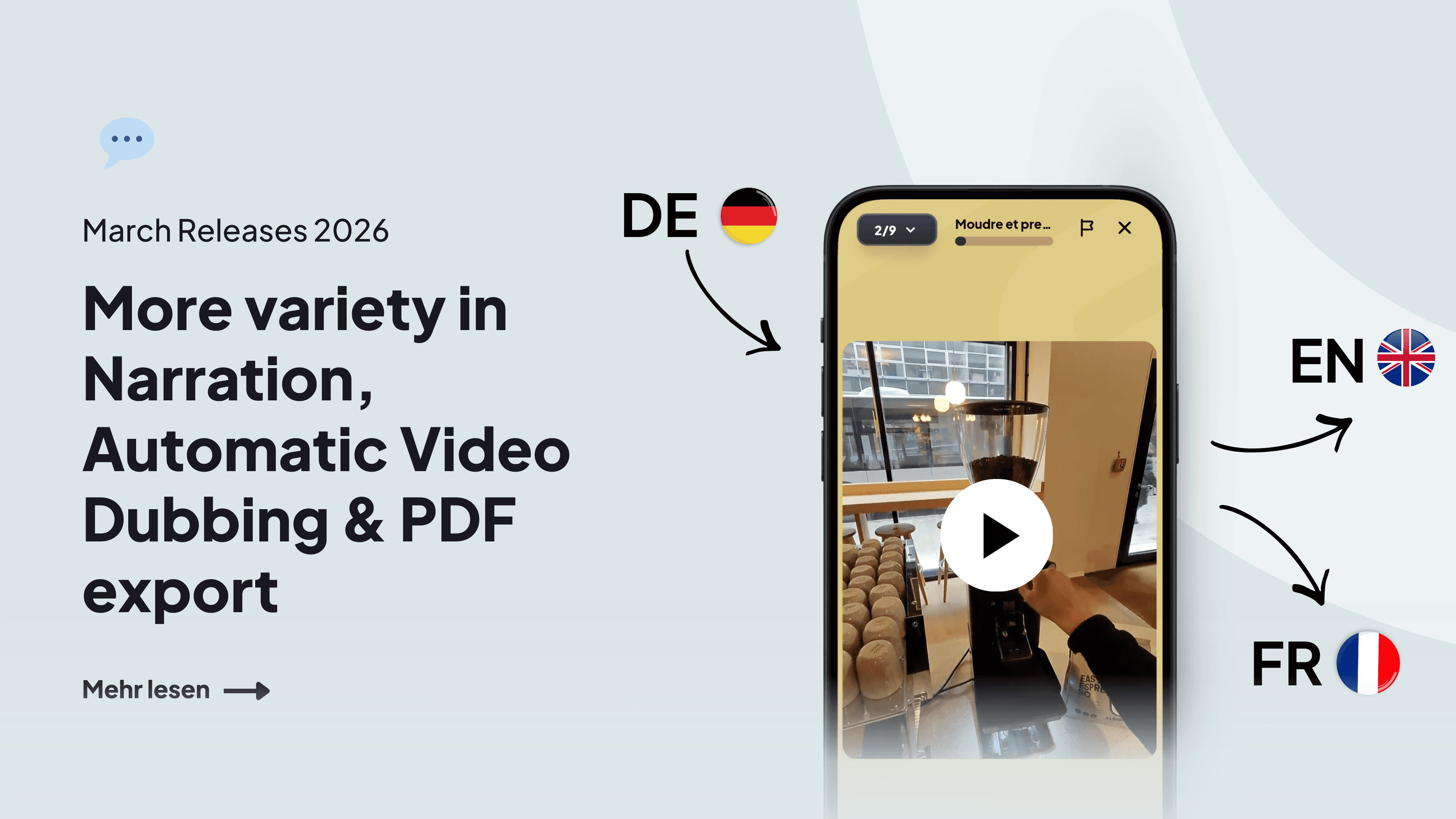
🌍 Video translation: multilingual audio tracks in minutes (not available for EU-only customers)
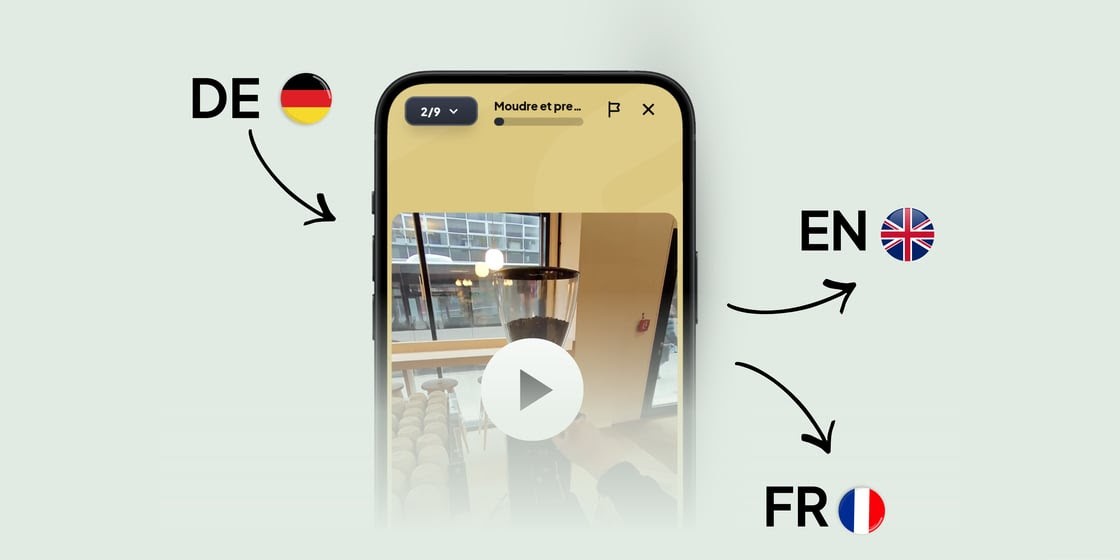
Your training videos are in German, but your employees speak different languages?
From now on, you can automatically translate videos into any language - with just one click.
The speaker's voice is replaced in the target language
Background noises (e.g. machines or workshop) are retained
The translation only takes 1-2 minutes per video
Existing video content can be used globally immediately - without new recordings or additional production effort.
📄 PPT/PDF import: Import presentations 1:1 as flashcards
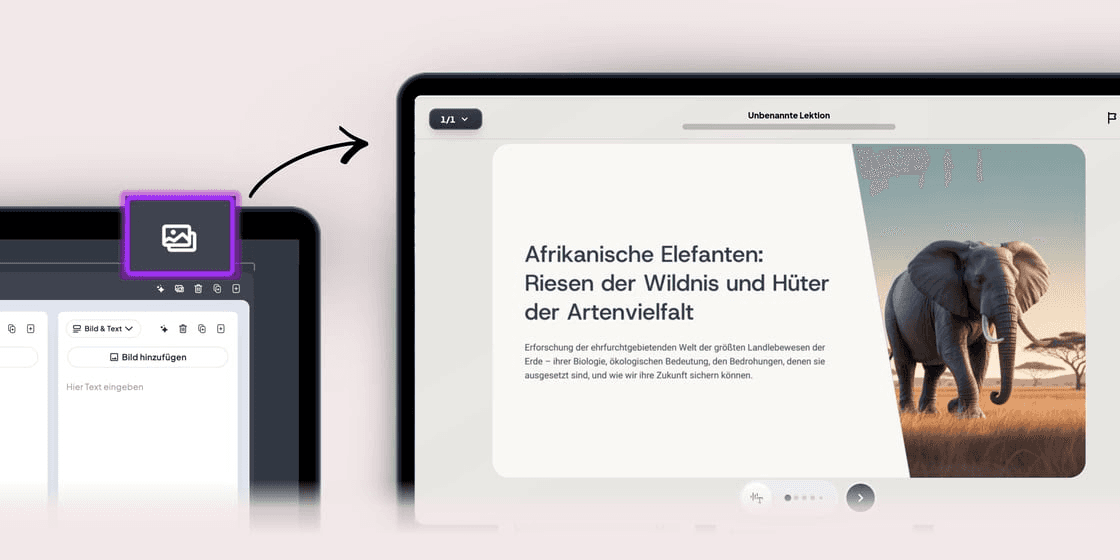
Existing PowerPoint presentations or PDFs can now be imported directly into Coursebuilder.
Upload PowerPoint (.pptx) or PDFin the map module
Each slide is automatically created as a separate image card
Layout is retained 1:1
Ideal for compliance training and safety briefings where proof is crucial.
What should we write about next?
We're always looking to cover the topics you care about most. Help shape our next issue!
Take a moment to vote and suggest what you'd love to read next:
📤 PDF/PPT export: continue using courses as a document or presentation
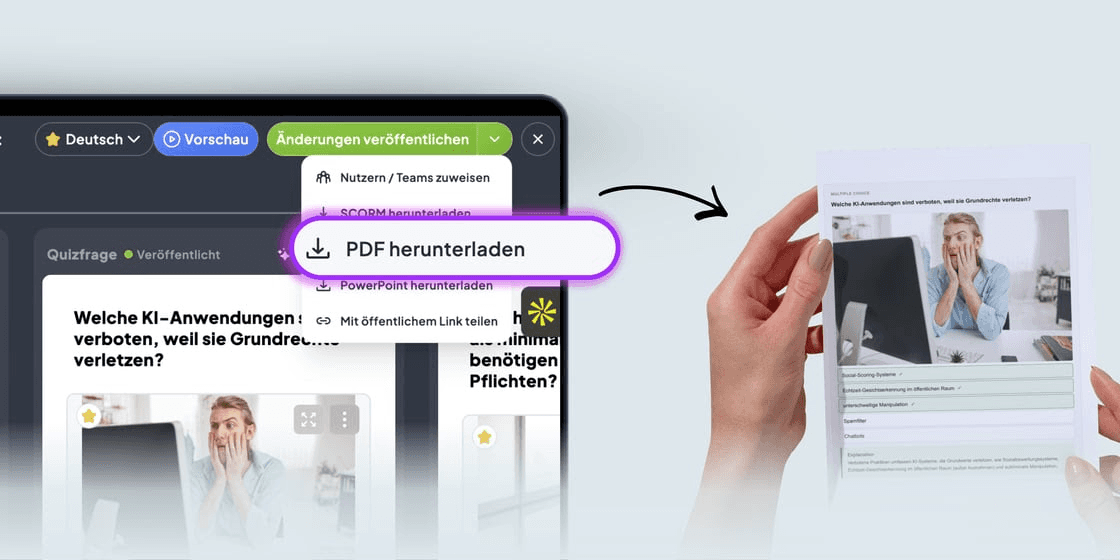
Not only the import is easier - the export is too.
You can now download any course from the AI Coursebuilder as a PDF document or PowerPoint file.
The PDF is perfect for printing or offline reading, while the PowerPoint version is useful for further editing or use in presentations.
You can find out more in our Helpcenter.

Read more articles: