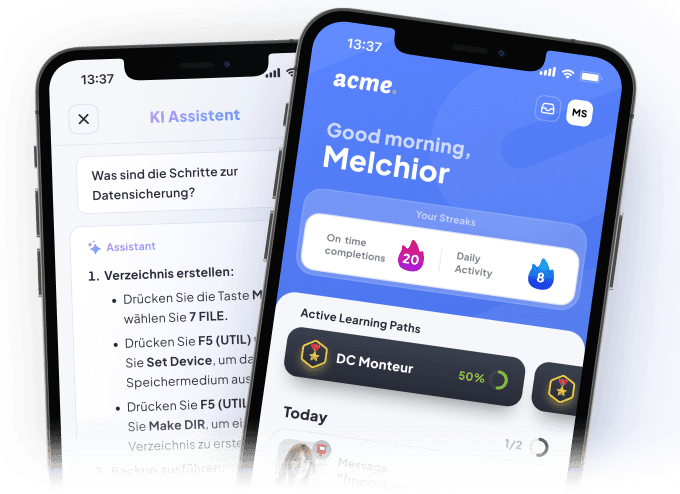
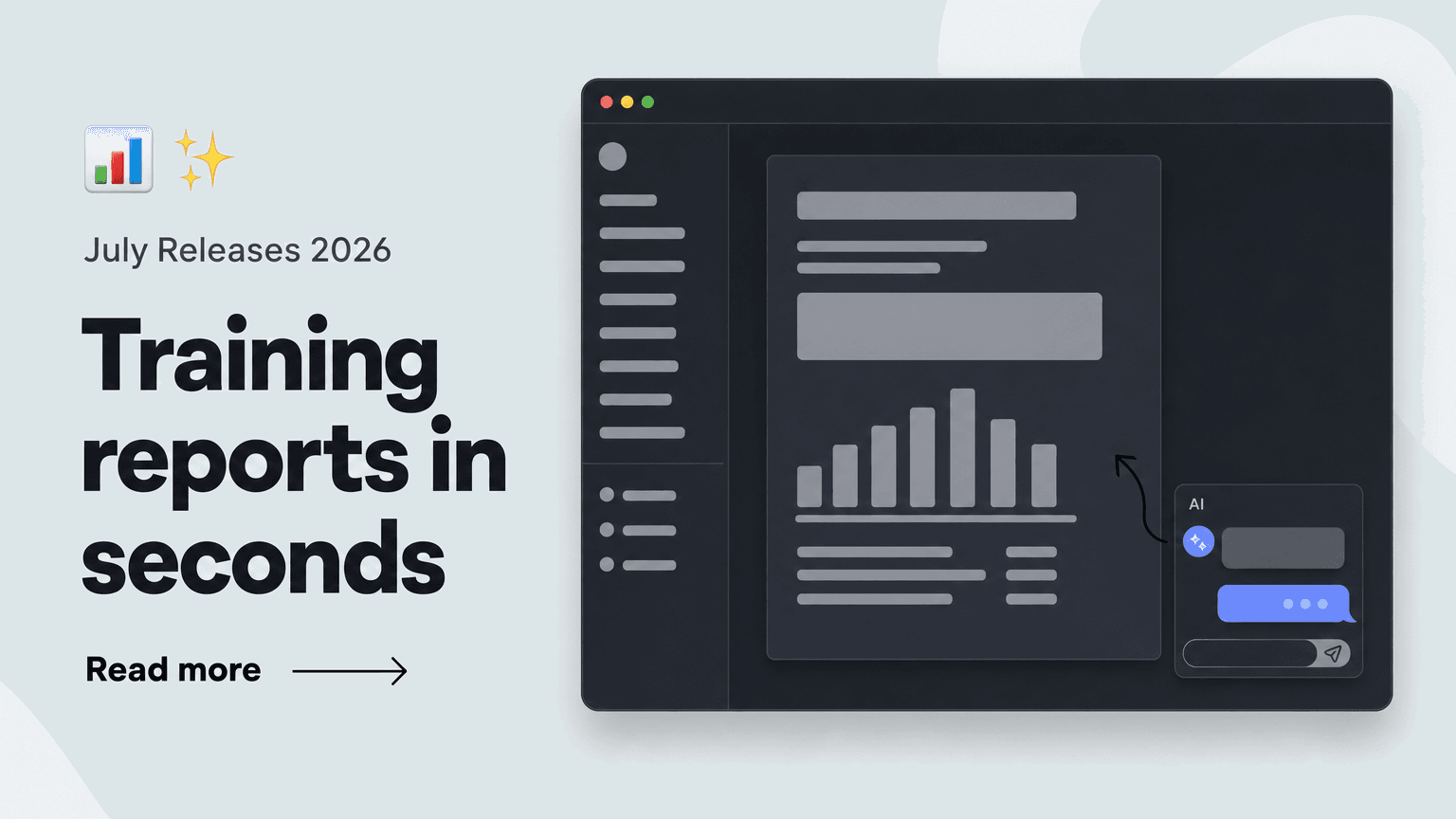
With the new Report Builder under "Reports" in the Elephant Hub, you can assemble training reports exactly the way you need them – instead of digging through each course's analytics one by one.
🤖 Create with AI: From chat to finished report in seconds.
The fastest way to a report is the AI chat. Key capabilities include:
- Request reports via chat: Simply describe the report you need – e.g. "Give me a report on completion of the 'Forklift Trucks' course for the users in the Assembly/Warehouse Brandenburg team"
- The AI automatically configures rows, metrics, and filters for you
- Refine in conversation: Not quite right yet? Sharpen the report directly in the chat
This gives you ready-to-use reports in seconds – for example, course completion per learner, easily comparable across multiple courses at a glance.
🛠️ Manual mode: Full control over every report.
If you prefer to configure things yourself, you can build reports step by step:
- Configurable axes – by user or team
- Your choice of content types, metrics, and filters
- Save & revisit: Once built, your reports are always available in your Reports list
This solution is ideal for anyone who wants to keep a regular eye on their teams' learning progress – without clicking through each course's analytics.