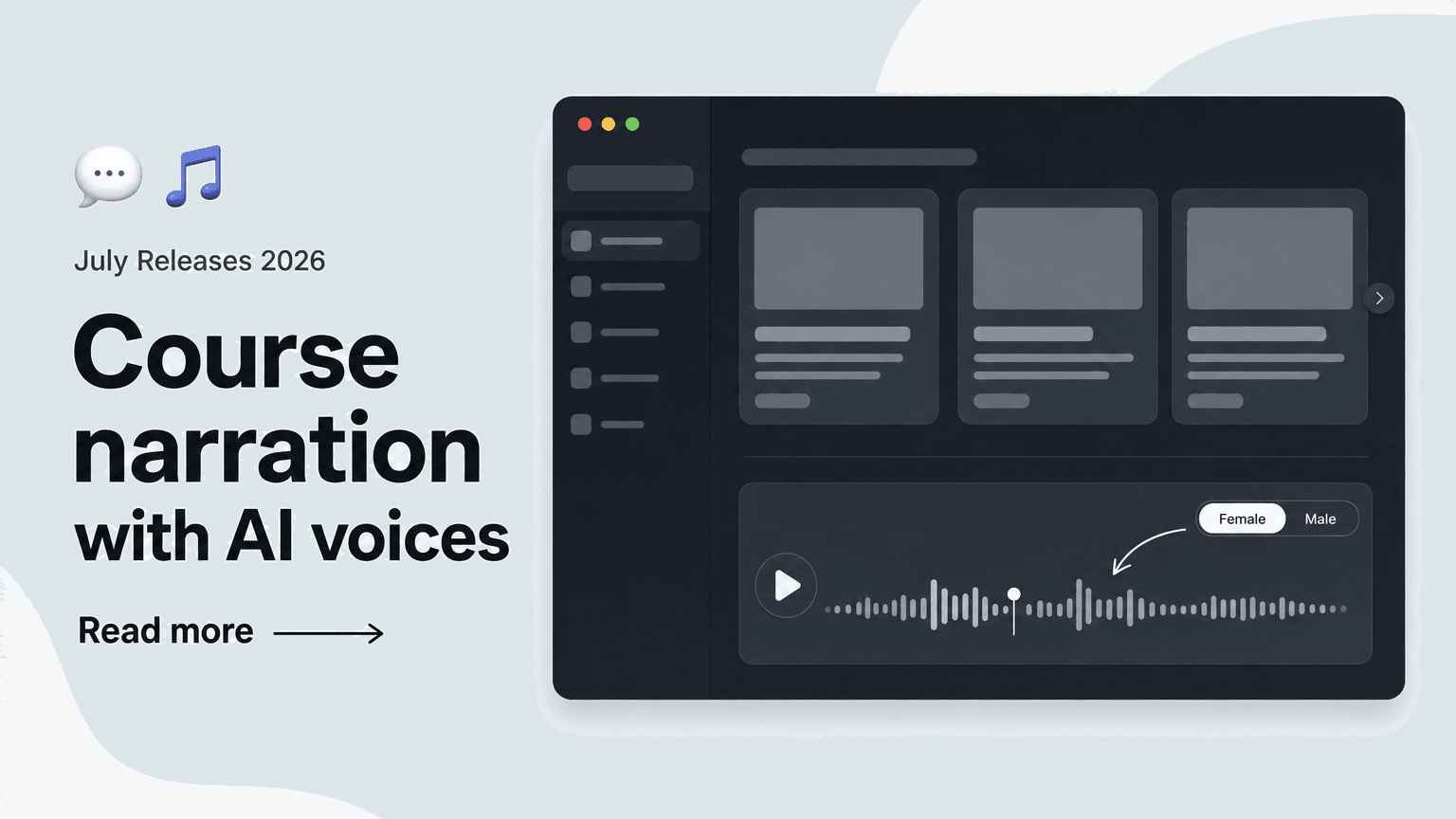
Your courses can now read themselves aloud: with the new audio output (text-to-speech), learners can listen to cards and pages in a natural AI voice – narration is generated automatically on playback.
🎧 Enable audio output: Natural AI voices in just a few clicks.
You enable audio output right in the course settings. Key capabilities include:
- Female and male AI voices – with several voices to choose from
- Preview right in the editor to test each voice before publishing
- Narration in your course languages, so learners can listen in their own course language
- Live generation of the narration on playback – no audio files to create or maintain
This makes it quick to find the voice that fits your course – the preview shows you right in the editor how the result sounds before you publish.
📖 Read-aloud for learners: Cards and pages as audio.
For your learners, audio output works right inside the course:
- Cards and pages can be listened to directly in the course
- Narration is generated live on playback
- Questions are not read aloud – so learners continue to answer them actively
This feature is ideal for learners who study on the go, prefer listening to reading, or appreciate extra support while reading – with no additional effort for your team.