Elephant Company has launched substantial improvements to its card module, introducing a redesigned interface and two new card types alongside an enhanced narration feature.
Key Updates
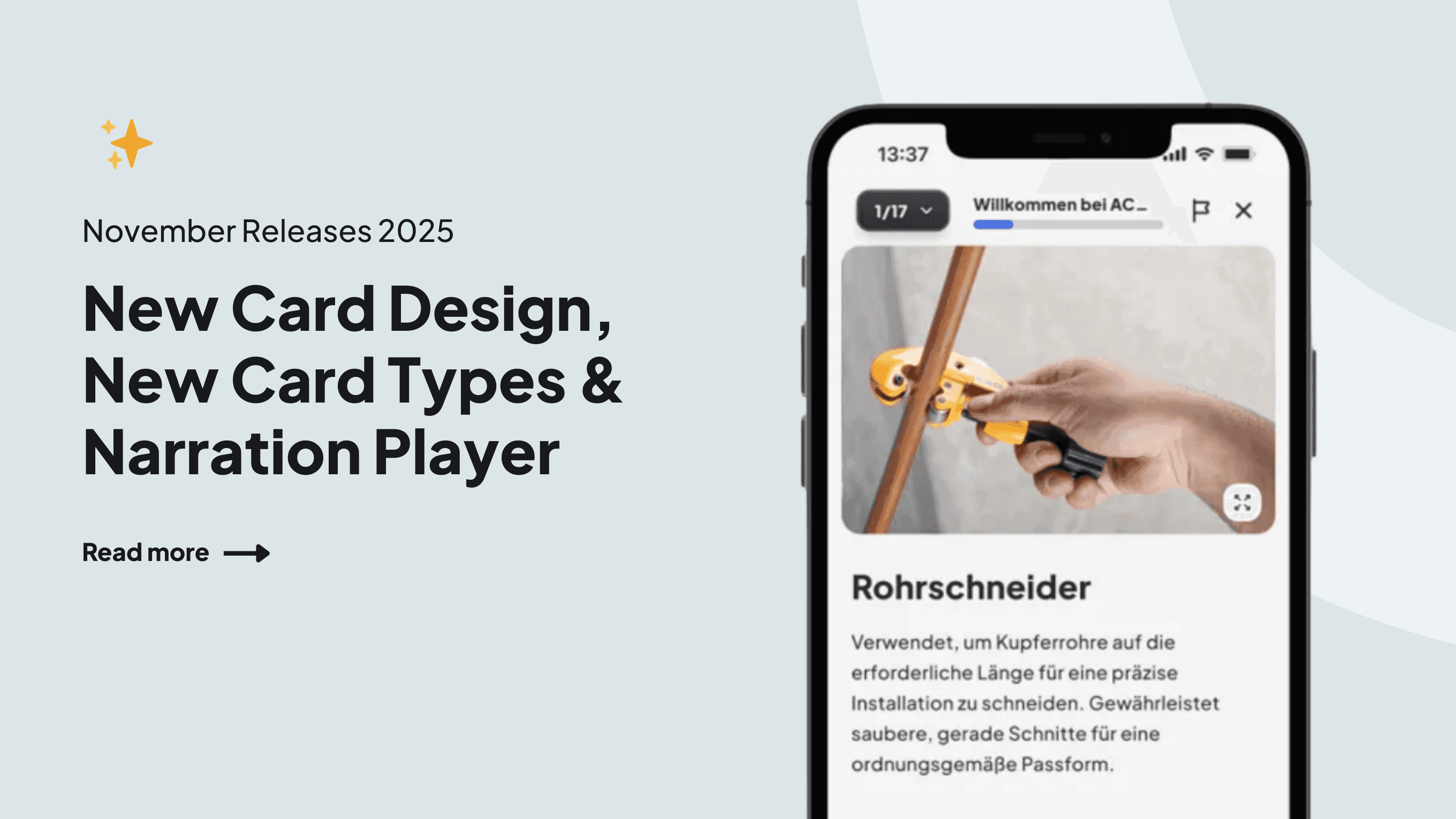
The platform now displays cards in fullscreen mode, providing "more space for images and text" and reducing visual distractions. A new bottom navigation element integrates the redesigned Narration Player.
Title Card is a dedicated new card type allowing creators to display titles and subtitles, offering "a clean, clear, and visually appealing introduction" to learning paths.
The redesigned Image + Text Card features automatic background color adaptation, full-size images without cropping, and flexible text alignment options.
Fullscreen Image Card
The new image card presents visuals without surrounding interface elements, available in two modes:
- Fit — displays the complete image
- Fill — image covers the entire screen
Educators can add narration scripts in the editor that learners can play while viewing images, useful for annotated PowerPoint screenshots.
Narration Player Enhancement
The updated player automatically reads card and page text while swiping cards automatically when the narration is playing.
Note: Narration functionality is currently limited to non-EU customers, with broader availability planned.