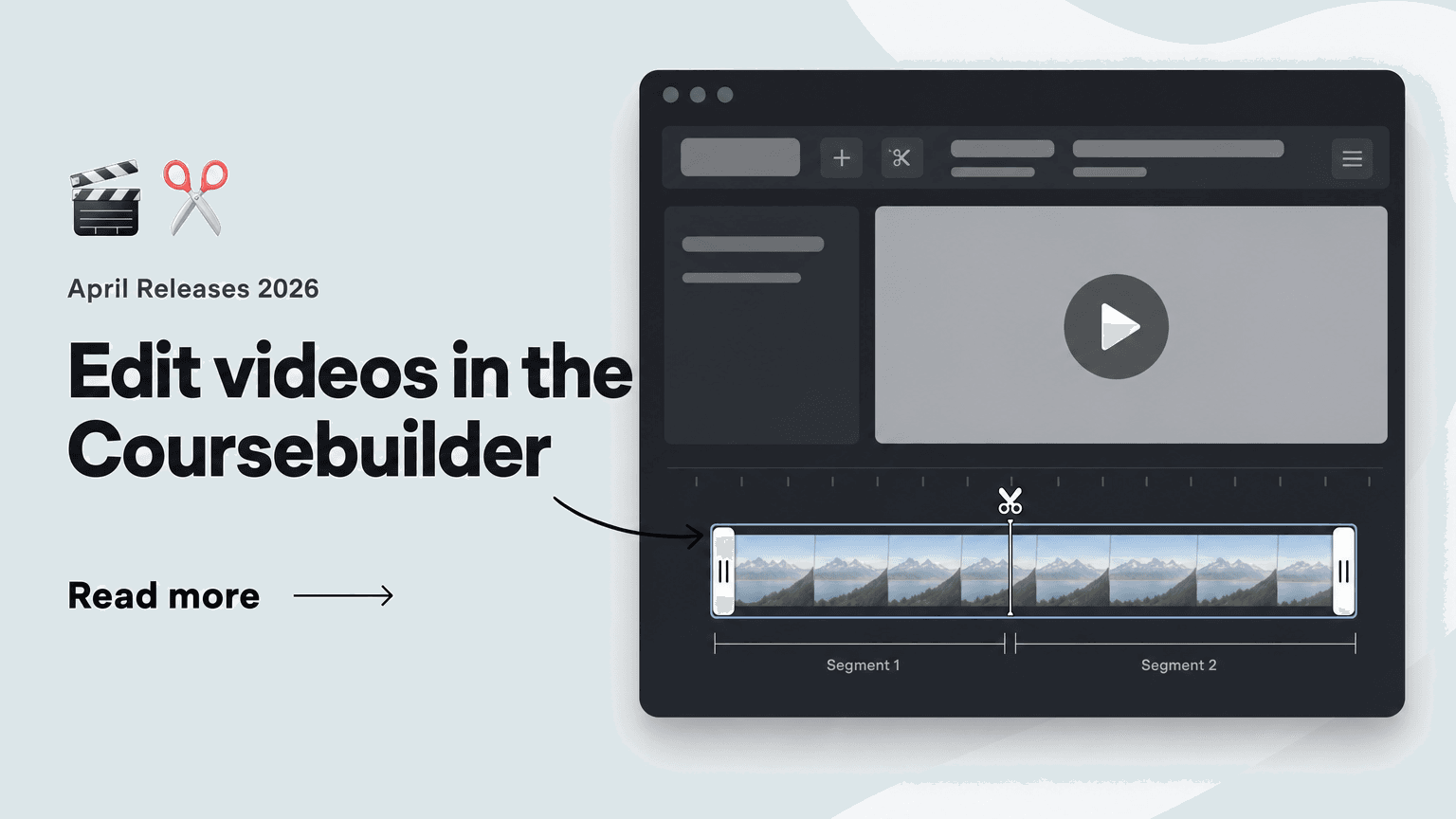
Videos are at the heart of many courses — but until now, even small adjustments meant switching to an external editing tool. That's over: the new video editor is built right into the Coursebuilder.
✂️ Video editor in the Coursebuilder: Cut clips without leaving the platform.
Open the three-dot menu on any uploaded video and choose "Edit video" — all the editing tools are right at hand:
- Trim videos with the yellow handles and slide segments around freely
- Split clips into multiple segments
- Remove unwanted parts with Delete
- Return to the original state anytime with Reset
This lets you adjust course videos in seconds — ideal for breaking long recordings into compact learning units or cutting superfluous parts out of existing course videos.
🗂️ Your source file stays safe: Versions instead of losses.
While editing, your original footage always remains protected:
- Your source file is always preserved in the Resources tab
- Every saved version is stored alongside it — nothing gets overwritten
- You can fall back to the uncut version at any time
That gives you the freedom to try out different cuts — for different courses or audiences, for example — without ever losing footage.