
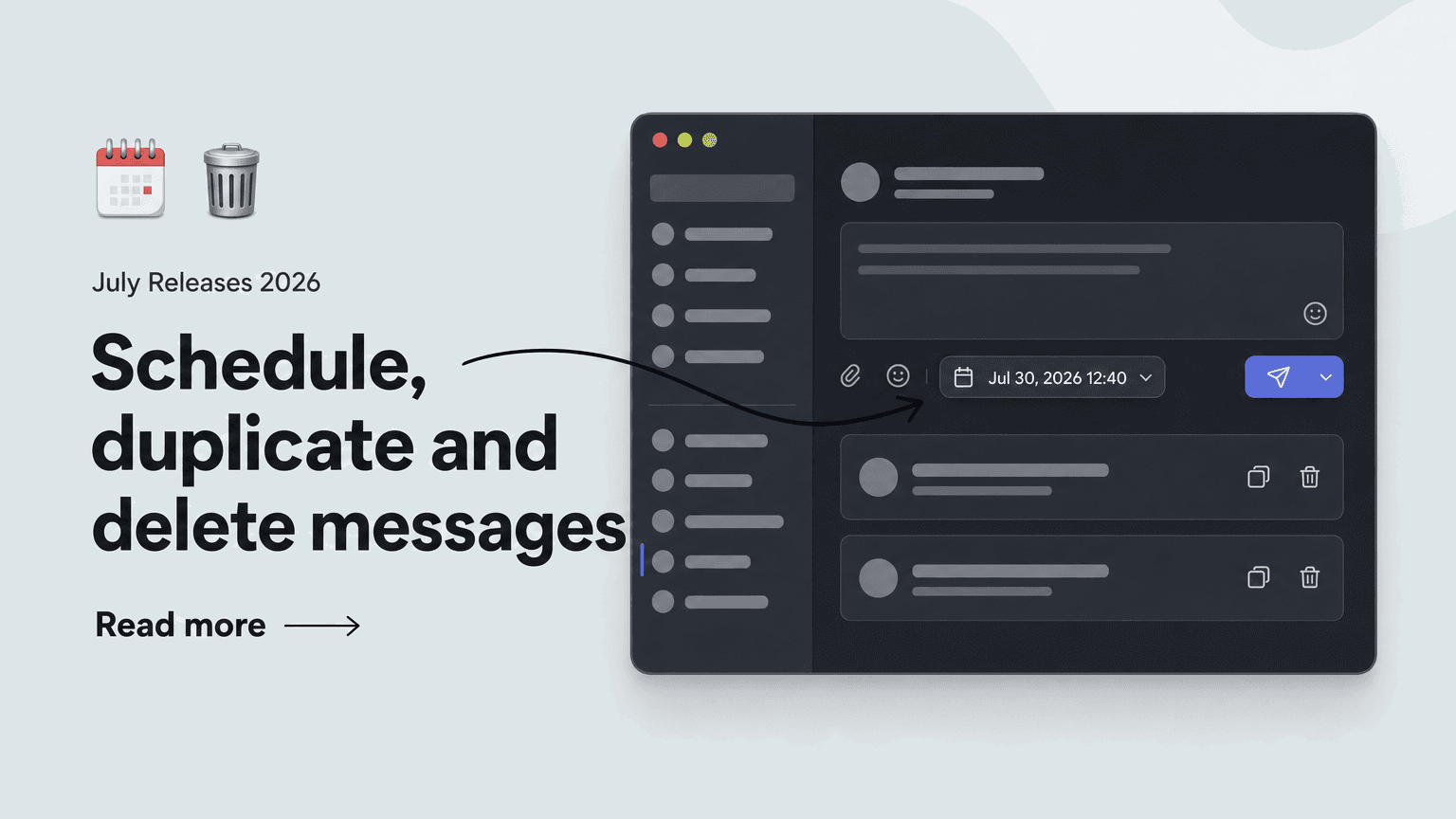
The Messages area in the Elephant Hub just got more powerful: messages can now be scheduled, duplicated, and permanently deleted.
⏰ Scheduled messages: Perfect timing, no Sunday-night typing.
Alongside "Sent" and "Drafts", the Hub now offers a new "Scheduled" tab with the following capabilities:
- Schedule instead of sending right away: while composing, click the small arrow next to the green "Send" button and choose "Schedule"
- Pick a date and time – the message is sent automatically
- Edit, reschedule, duplicate, or delete scheduled messages anytime from the "Scheduled" tab
Ideal for announcements that should land Monday morning without anyone typing them on Sunday night.
📋 Duplicate messages: Recurring announcements in one click.
One click on "Duplicate" saves you from starting over:
- Creates an editable copy of any message
- Carries over text, languages, and recipients in full
- Also works for scheduled messages directly from the "Scheduled" tab
Perfect for recurring announcements that follow the same structure every time.
🗑️ Delete sent messages: Full control, with a safety net.
Super admins can now permanently remove sent messages:
- Deletion applies for all recipients – the message is gone for good
- Type-to-confirm safeguard: you confirm the action by typing "Delete message"
- Removes the message along with all of its read-confirmation records
This works well whenever a message should no longer be visible – such as outdated or erroneous announcements.